01
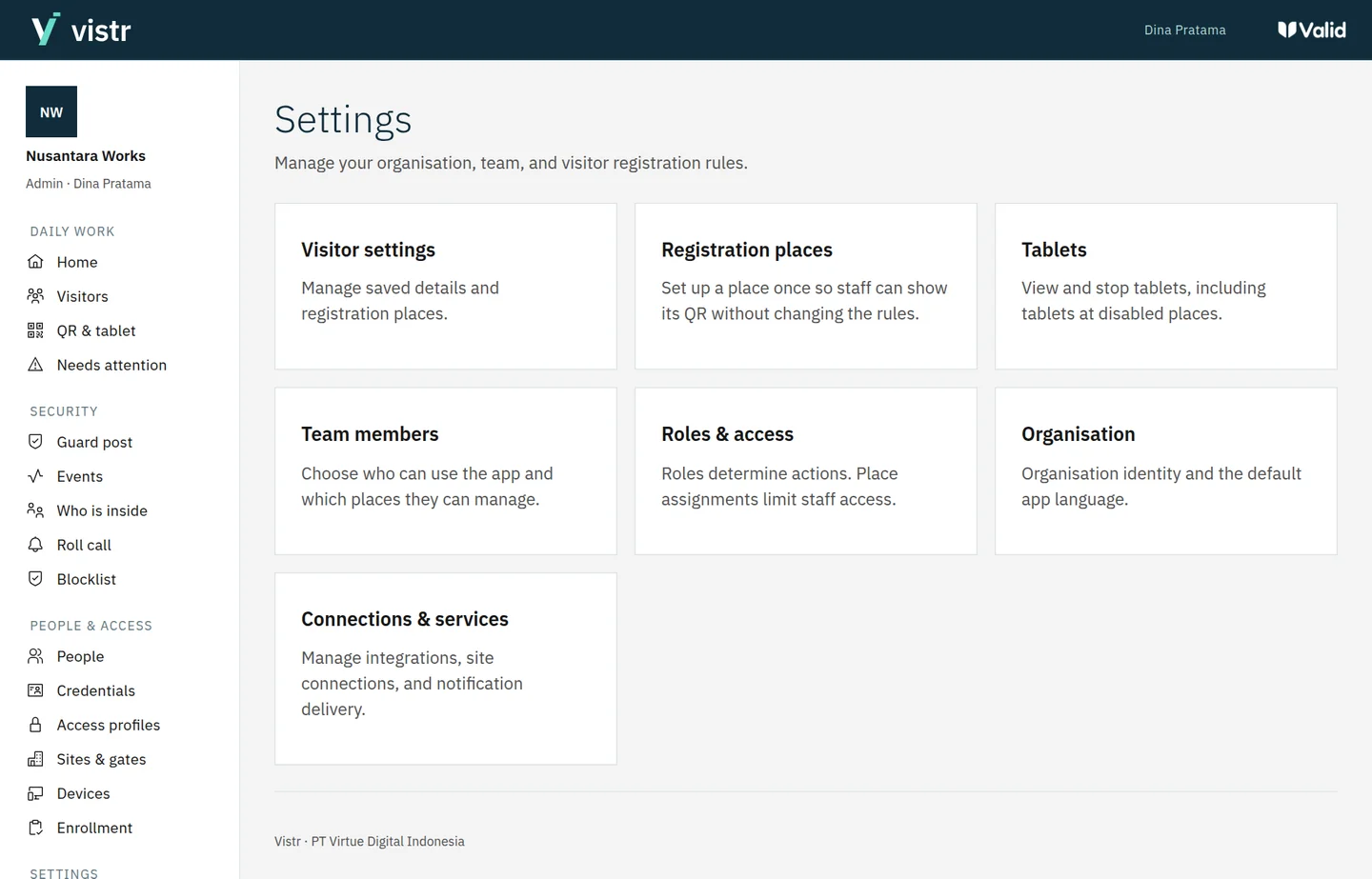
Start
See the destination and what registration involves.

Visitor and access management
Invite guests, offer registration by QR or tablet, and track entry approval in one place.

THE VISITOR JOURNEY
From an invitation to access readiness, choose the flow that fits your location.
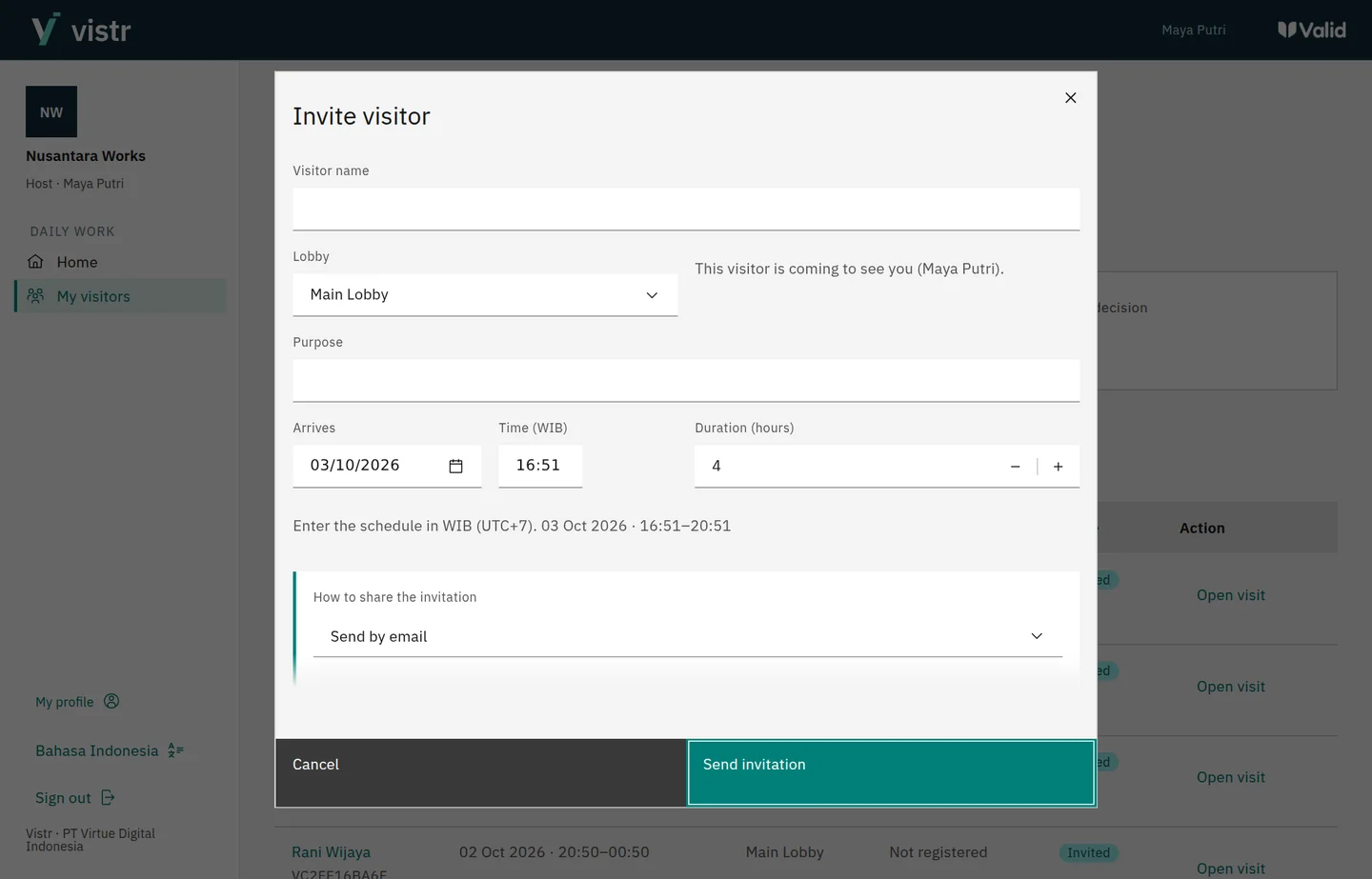
The host creates a visit and chooses email or a link to share. The guest opens registration on their phone.
Product screens with sample data
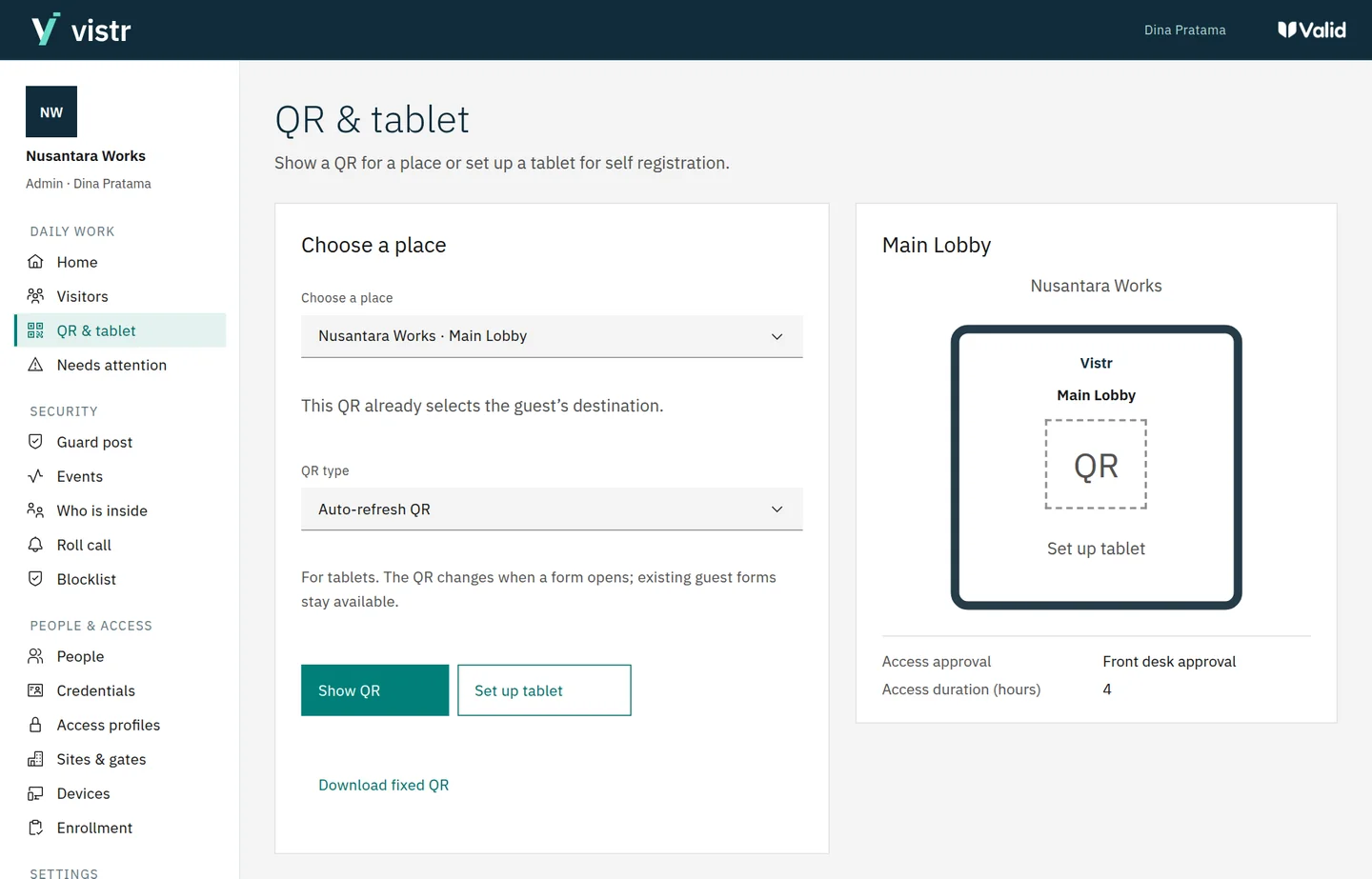
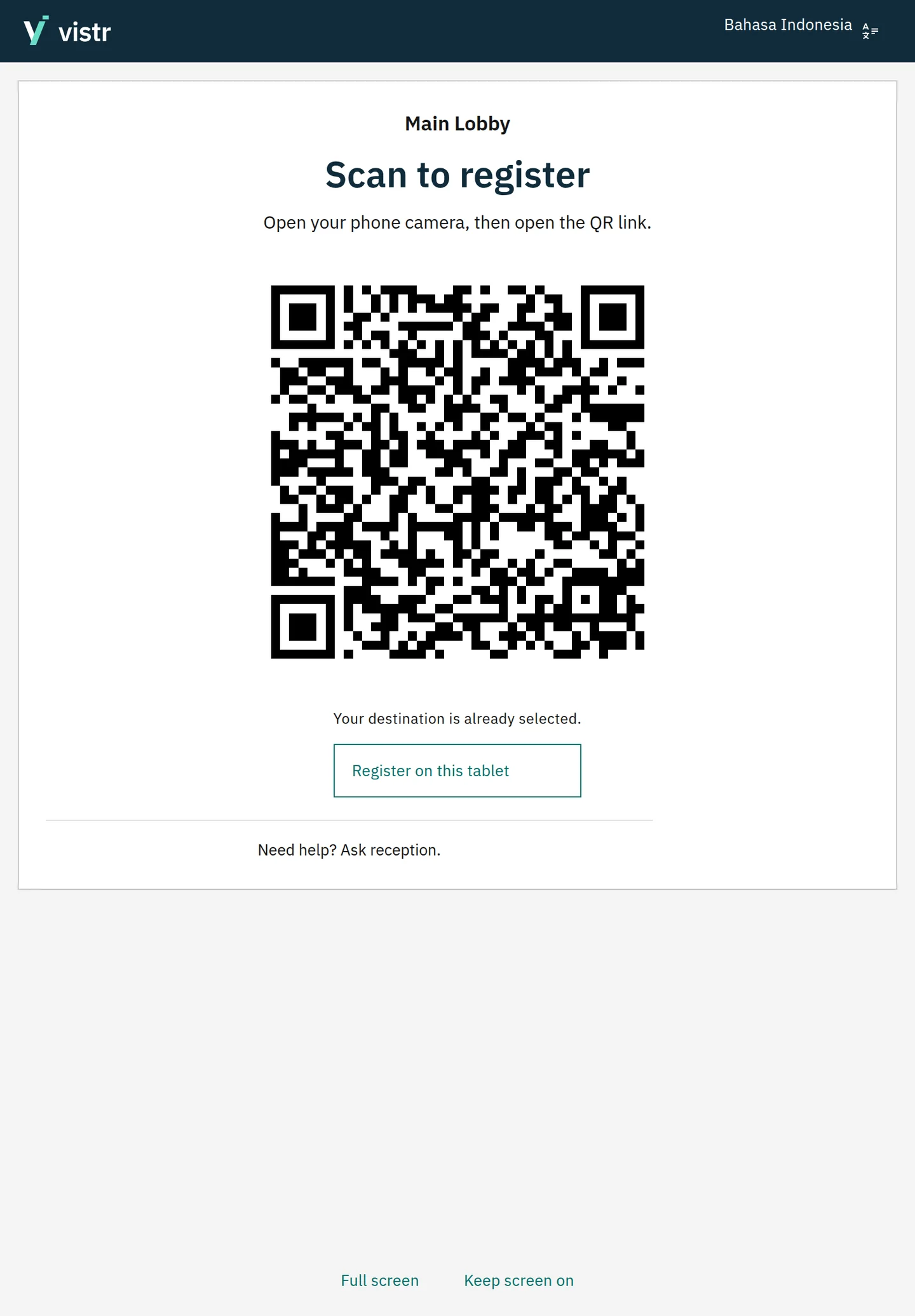
The QR already represents a place. Guests do not need to choose it again or look up a host when the location does not require one.
Product screens with sample data
Open the guest screen in a tablet browser. Guests choose to register on their phone or complete their details on the tablet.
Product screens with sample data
AFTER REGISTRATION
Example flow, not live gate status.Details and photo received.
Automatic or reviewed, based on location rules.
Credentials sent to devices.
Shown after device confirmation.
The QR opens registration. Entry approval and access readiness are checked separately.
WALK-IN VISITORS
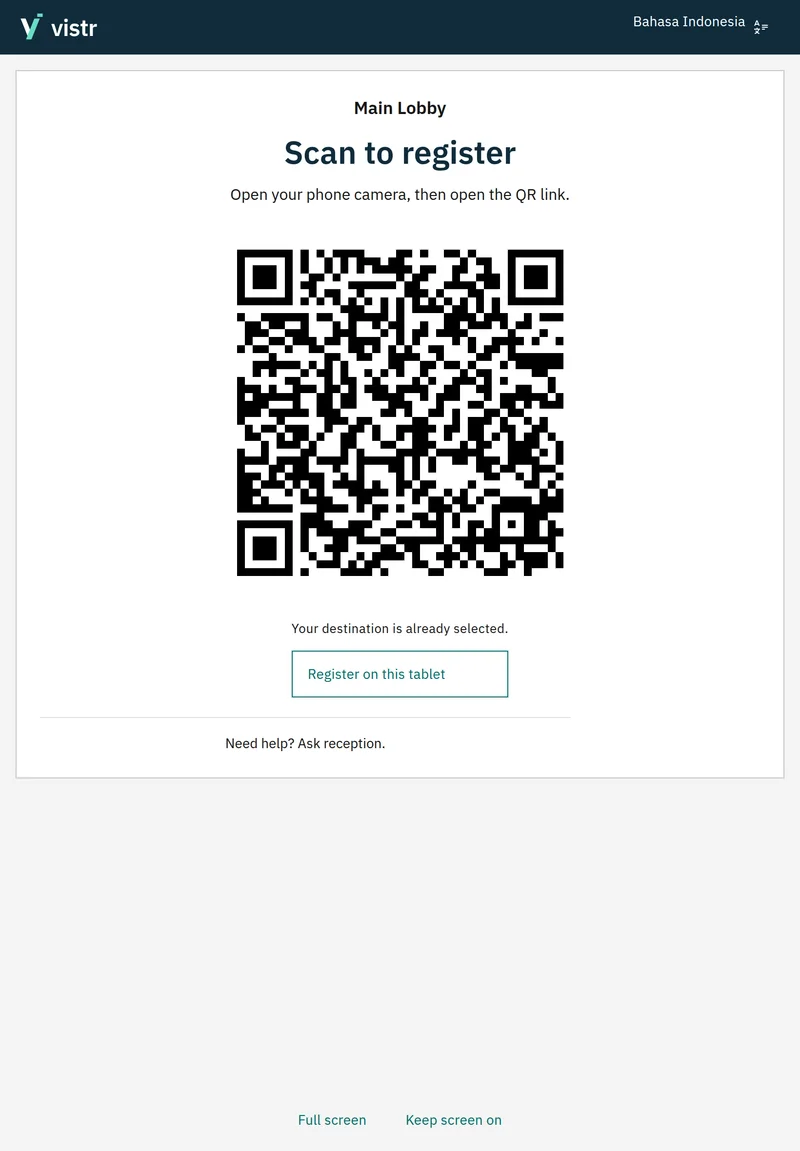
Place a QR at the desk or activate a standing tablet at reception. Guests can get started themselves, while reception and security focus on arrivals that need help.
Print it for a desk or entrance.
Changes on screen when registration opens or the display period ends.
Previous guests can still finish their own registration.
DESIGNED FOR GUESTS
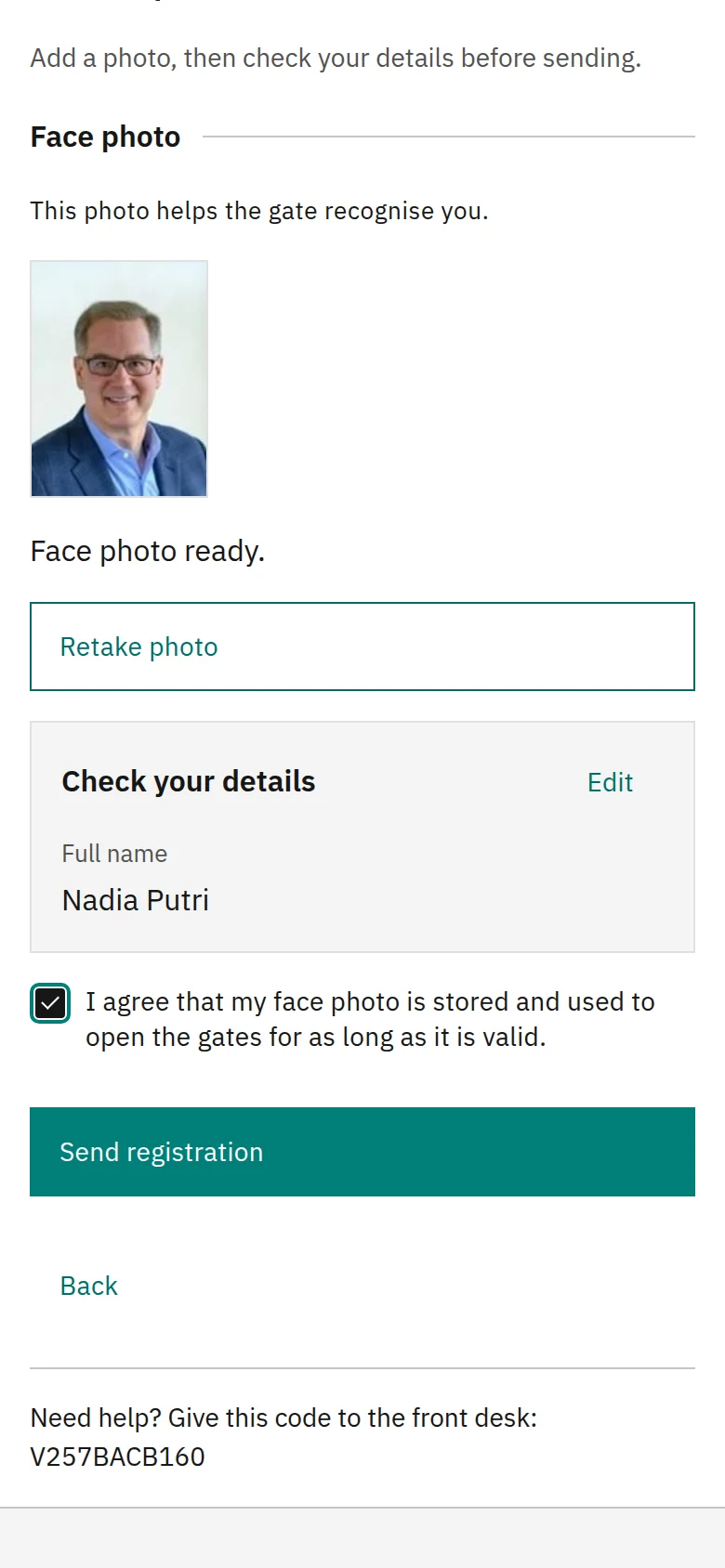
Start with a name and face photo. Phone number, email, documents, and host details follow the location’s needs. Guests see their status update automatically when the visit is approved.
See the destination and what registration involves.
Two short steps, with a chance to review.
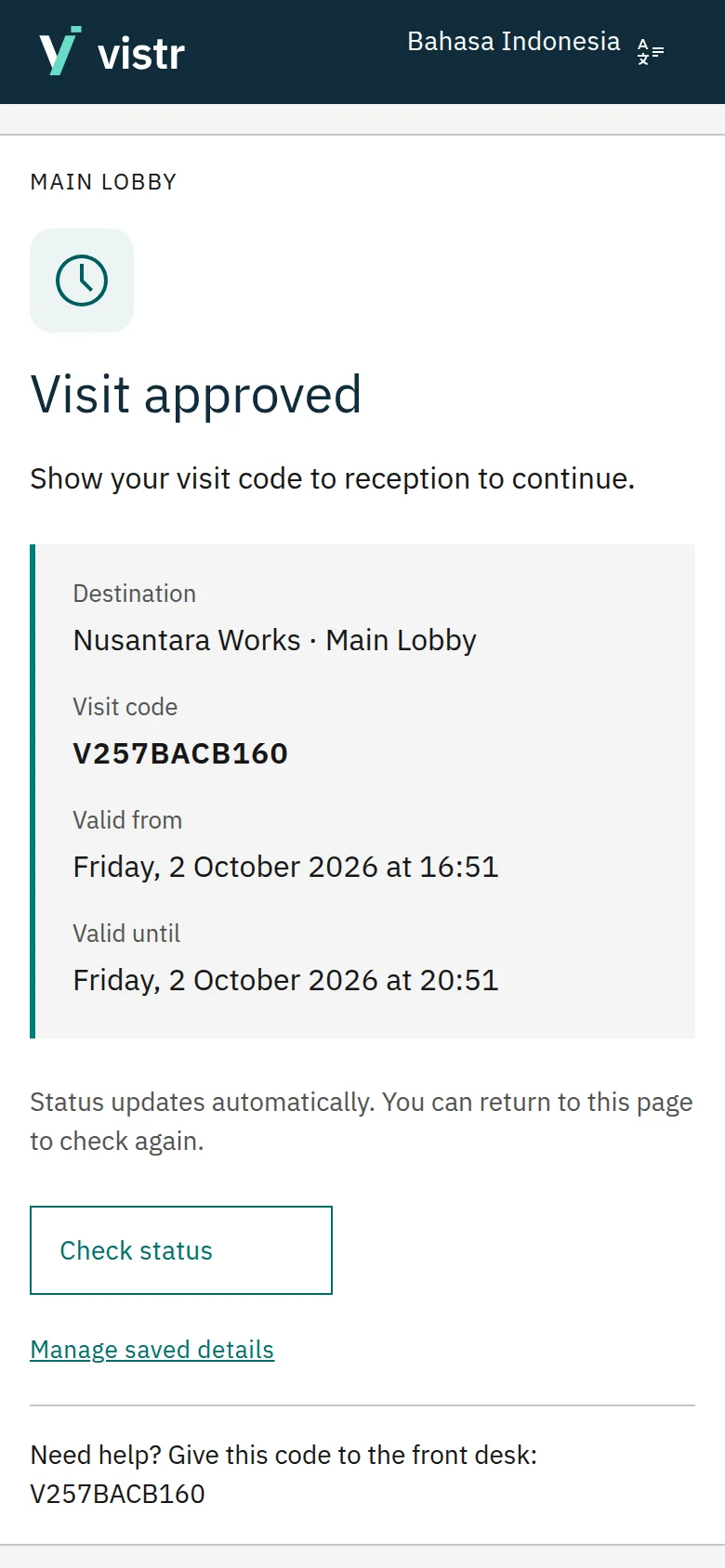
See approval and access readiness separately.
Product screens with sample data
INVITATIONS AND SCHEDULES
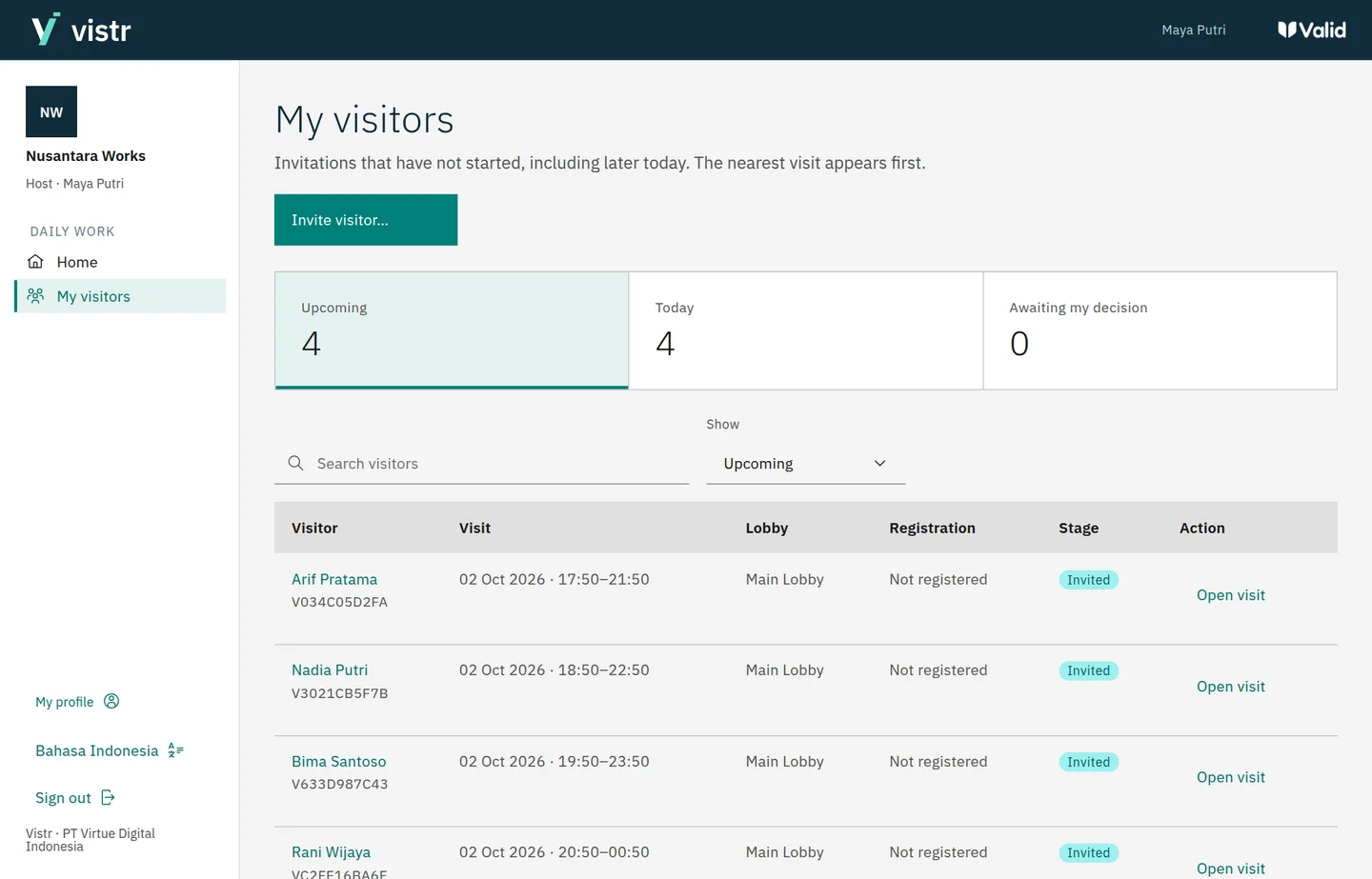
Hosts see upcoming visits in My visitors. Choose the invitation language, reopen details, and share again without creating a duplicate visit.
RETURNING GUESTS
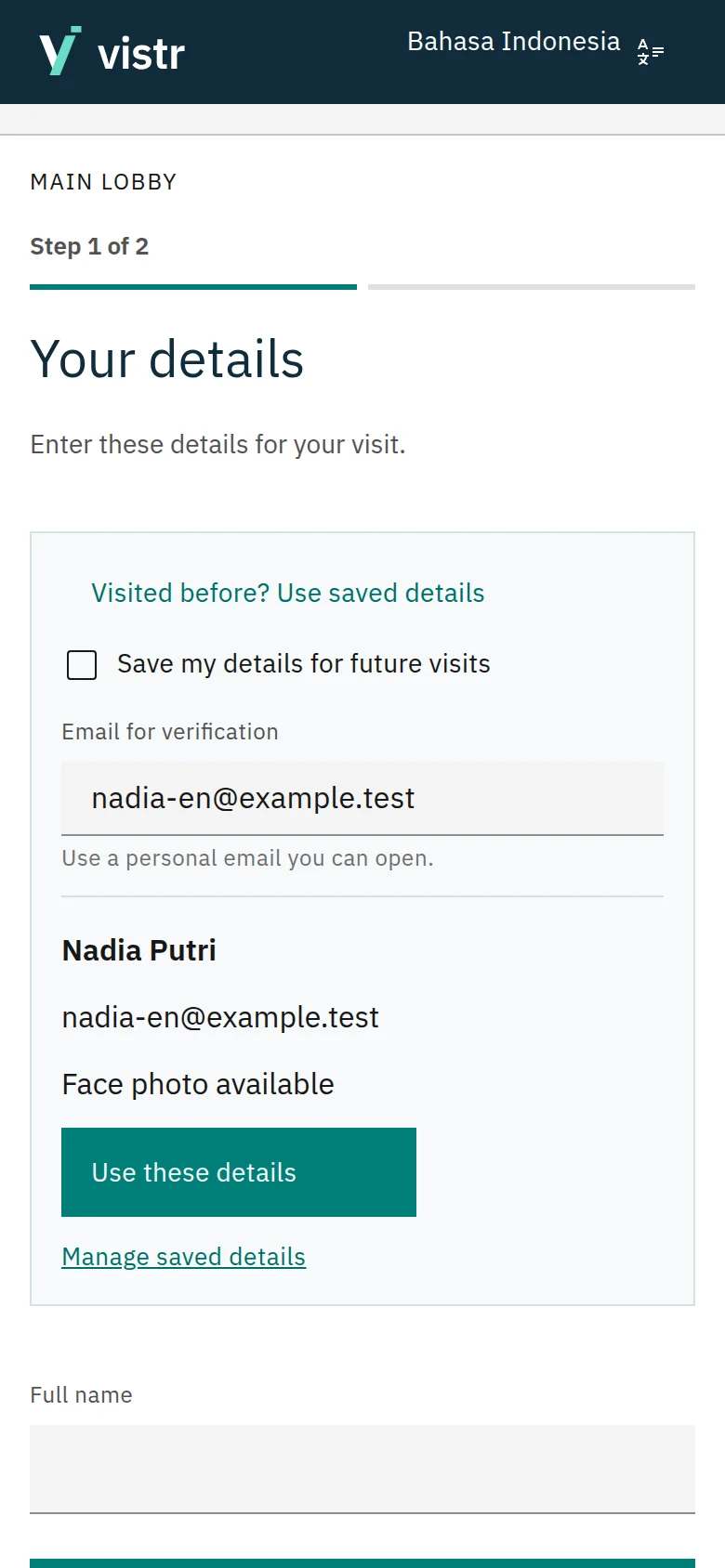
Guests can choose to save their details. On their next visit, they verify their identity, review information that is still valid, and fill in anything missing.
Each new meeting still has its own schedule and entry permission.
FOR YOUR TEAM
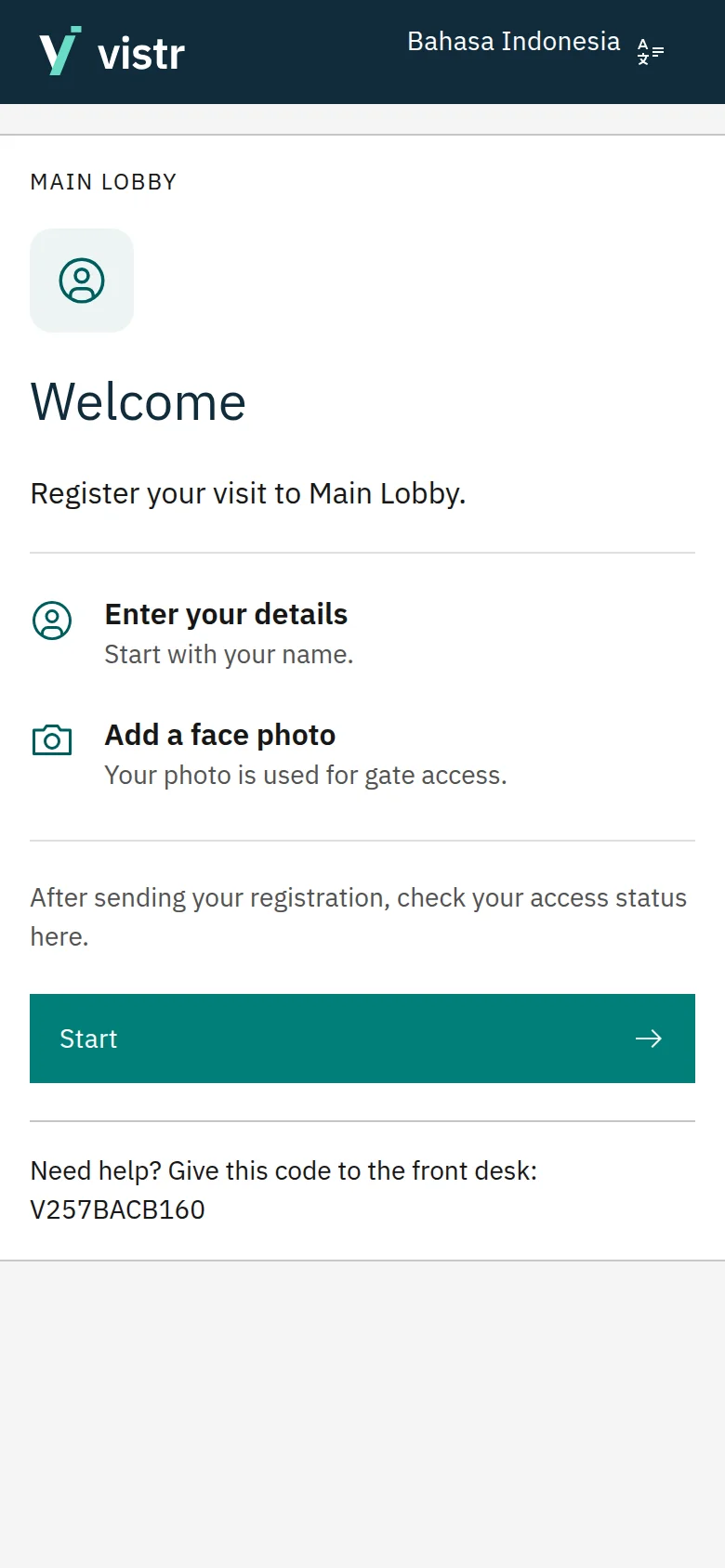
Set each team member’s access and location scope. Everyone handles the work they are responsible for.
Welcome guests and prepare the desk.
Prepare visits before guests arrive.
Set up how each location works.
ONE SYSTEM FOR DAILY OPERATIONS
Connect visitor reception with people records, access settings, and day-to-day security work.
Set registration places, required details, approval, and access periods for each location.
Manage members, roles, location scope, account profiles, and staff action records.
Manage staff, students, and visitors. Import records and photos, or share photo collection links.
Manage face and card credentials for people records, validity, revocation, and device confirmation.
Review access events, blocklists, and recorded presence. Support guard posts, group visits, and evacuation roll calls.
Monitor devices and site connections. Provide integration access for people sync, with a history of results.
FROM APPROVAL TO ACCESS
Visit approval does not yet mean the gate is ready. Vistr shows credential preparation and device confirmation, so staff know what still needs attention.
Registration and approval
Credential delivery
Readiness confirmation
Device, firmware, and network compatibility is confirmed during setup.
BUILT AROUND YOUR LOCATIONS
Team meetings, partner visits, and walk-in guests. Offer a suitable flow for each lobby and work area.
Meetings, event guests, and campus access. Manage several locations, each with its own rules.
No. Registration runs in a mobile browser that supports the required features and camera permissions. Guests can also complete their details on a provided tablet.
Yes. Staff activate the guest screen for a place, then guests choose to scan a QR or register on the tablet. The screen runs in a browser. Locking a tablet to only run the kiosk is a separate device setting.
A fixed QR can be printed. A dynamic QR appears on screen and changes when its link opens registration or the display period ends. Previous guests can still complete their registration. Both already select the destination.
Not always. Required details follow the location’s rules. An organization can offer a simple registration flow without asking for the person being visited.
Each location can have different rules. Visits can follow automatic approval or review by staff or a host. The guest page updates approval status automatically.
Details saved voluntarily and still valid can be reused after email verification or staff assistance. Default retention is 90 days and admins can adjust it. Completing a new registration with a verified profile renews the period, as explained in the initial consent. Every visit still has its own permission.
The sender chooses email or creates a link to share themselves, for example through WhatsApp. A recipient email is required for email delivery. Each invitation can be in Indonesian or English.
The QR in this flow opens registration. Guest access uses a face credential, after visit approval and credential preparation on the device are complete.
Support depends on the device, firmware, and site network. Our team will review your devices and integration needs during the demo and setup.
Explore the tour on this page, then select Request a demo. The Valid team can discuss your reception flow, location settings, and access needs.
START WITH YOUR NEEDS
Tell us how your team welcomes guests and manages access. We will help you explore a suitable flow.
Connect with the Valid team through the contact page.