
User guide
Check devices and access distribution
Find why access is not ready before retrying work.
Your organization settings and account permissions determine which options are available.
All screens use fictional data. QR images and setup codes are examples and cannot be used to register.
Before you start
Confirm operational access to the device. Avoid retrying many devices before understanding the problem.
How the task works
Follow the main steps in order. Where a choice is shown, follow the branch that matches your situation.
- OperatorOpen devices or enrollment
- OperatorRead status and cause
- Device disconnectedCheck the location connection with the relevant team
- Photo rejectedReview the affected person’s photo
- OperatorUse the available action
- OperatorCheck the latest result
Steps
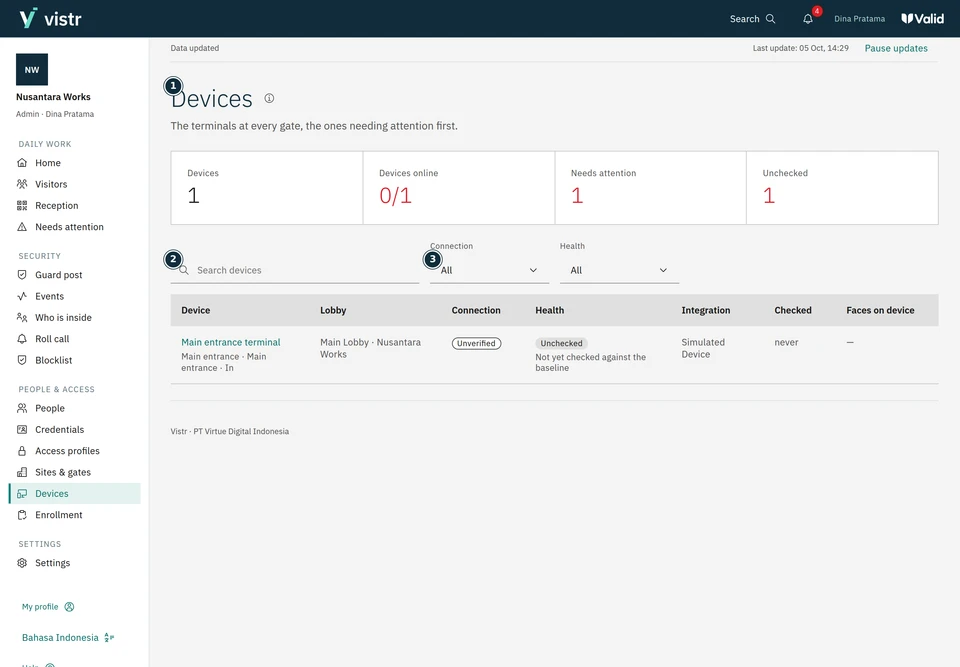
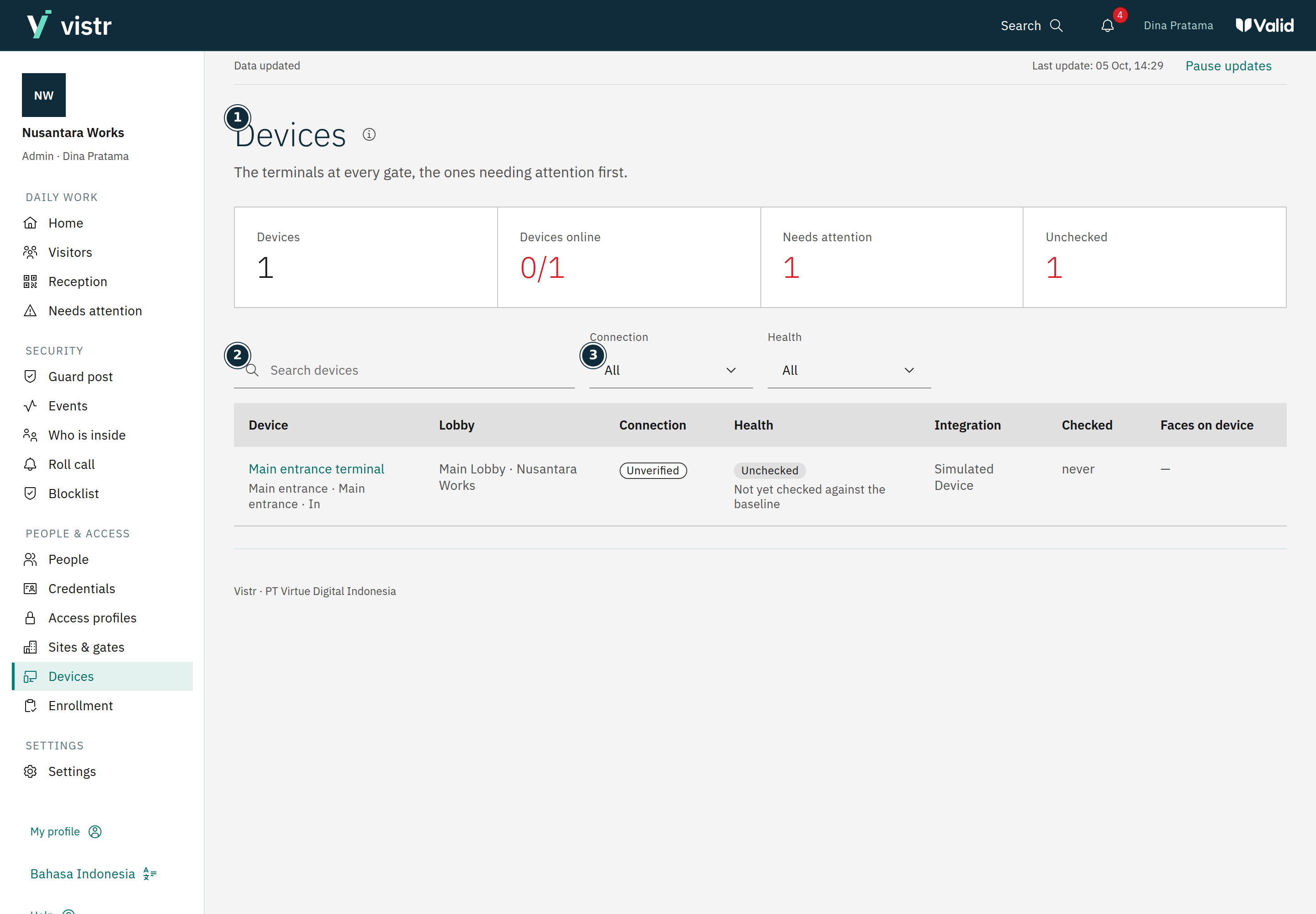
Open Devices. Check the place, gate, connection state, and related device details.
 Enlarge image
Figure 1. Start with the device related to the issue. - Devices
- Search devices
- Connection
Sample data · Admin · 2026-10-05 · 2880 × 2000 px
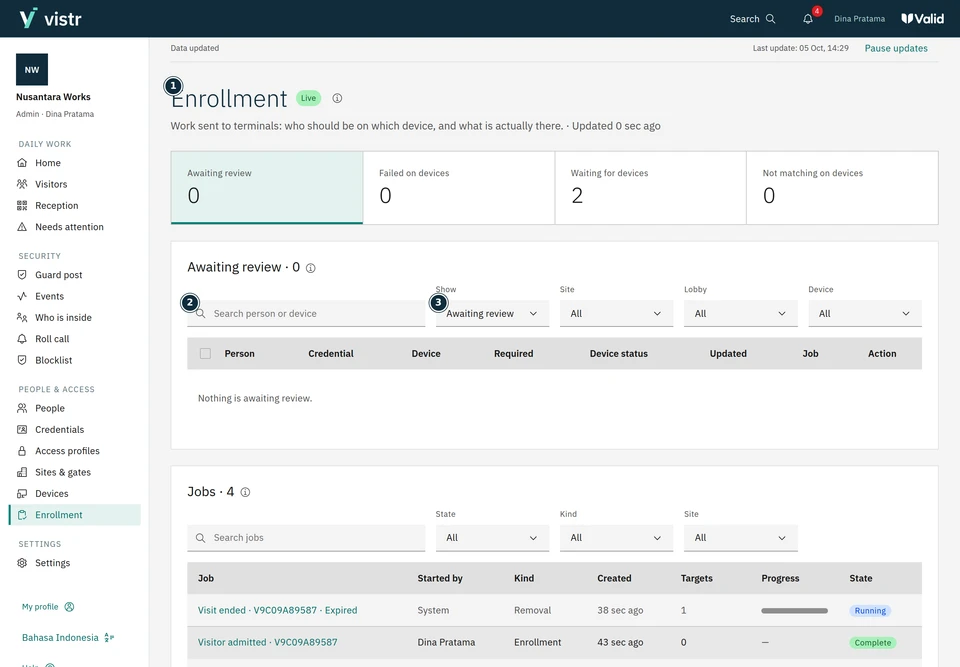
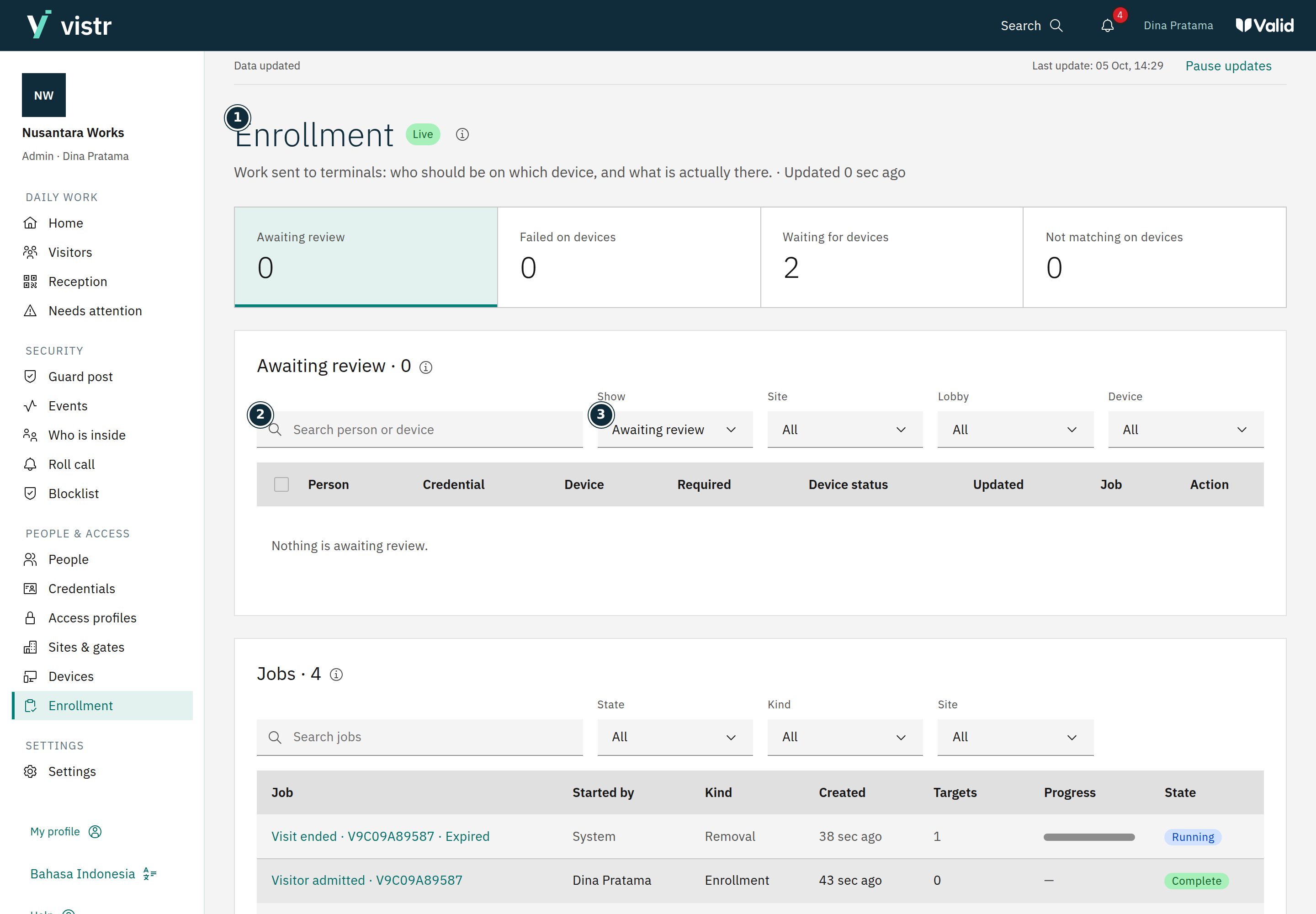
Open Enrollment to see records being processed, failed, or needing a check. Select the relevant device or person.
 Enlarge image
Figure 2. Read enrollment status before retrying. - Enrollment
- Search person or device
- Show
Sample data · Admin · 2026-10-05 · 2880 × 2000 px
An Admin or Operator reads the cause before using Retry or Check device. Replace a photo when the failure is actually photo-related.
Check the result after the action. If status remains uncertain, arrange a device check before declaring access ready.
What to enter and why
| Field | When needed | Purpose | Example |
|---|---|---|---|
| Device | Choose the correct target | A location can have several gates or devices. | Main entrance |
| Enrollment status | Read from the system | Shows whether a change is queued, confirmed, or needs attention. | Waiting / Failed |
Expected result
Recheck the device and credential state after an action. An uncertain state is not evidence of success.
If something goes wrong
Retry does not solve the issue
Note the device, person, time, and error. Ask operations to inspect the integration or device without sharing connection secrets.
Who changes settings
Viewers read status without running actions. Adding or changing important device configuration and gate structure requires an Admin. Operators handle the operational actions available to their accounts.
Uncertain status
A sent command does not always mean the device applied it. Confirm on device only after a real check, not to hide a failure.