
User guide
Understand saved visitor details
Profile storage supports future visits without extending entry permission.
Your organization settings and account permissions determine which options are available.
All screens use fictional data. QR images and setup codes are examples and cannot be used to register.
Before you start
Use an Admin account to configure retention. Explain the rule when offering guests a saved profile.
How the task works
Follow the main steps in order. Where a choice is shown, follow the branch that matches your situation.
- AdminAdmin sets retention
- GuestGuest chooses to save details
- Guest / StaffNext visit is verified
- SystemNew registration completes
- Verified profile reusedRetention extends under the rule
- Retention expiredProvide the details again
Steps
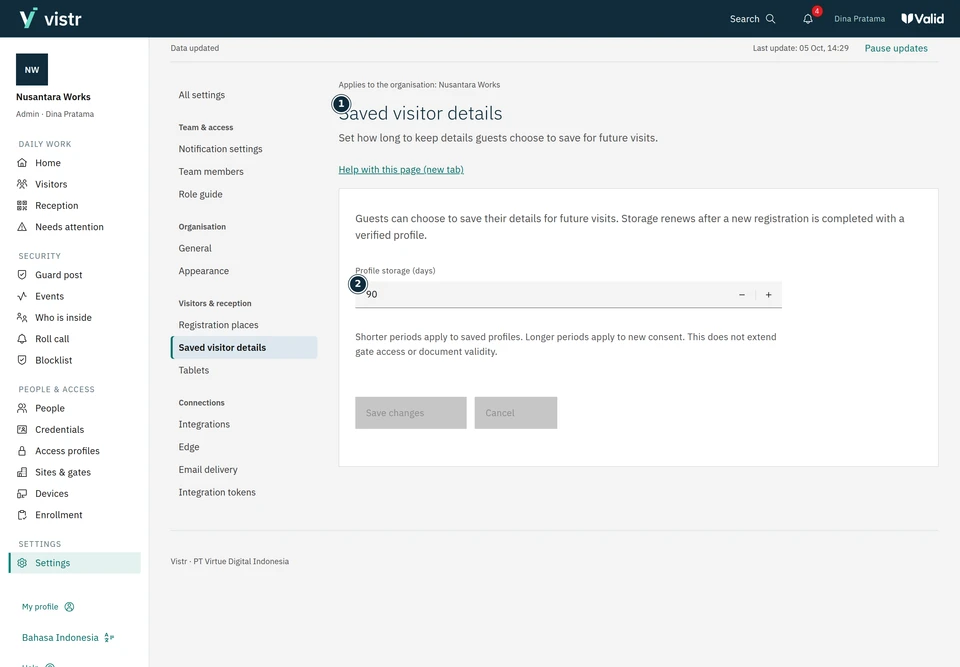
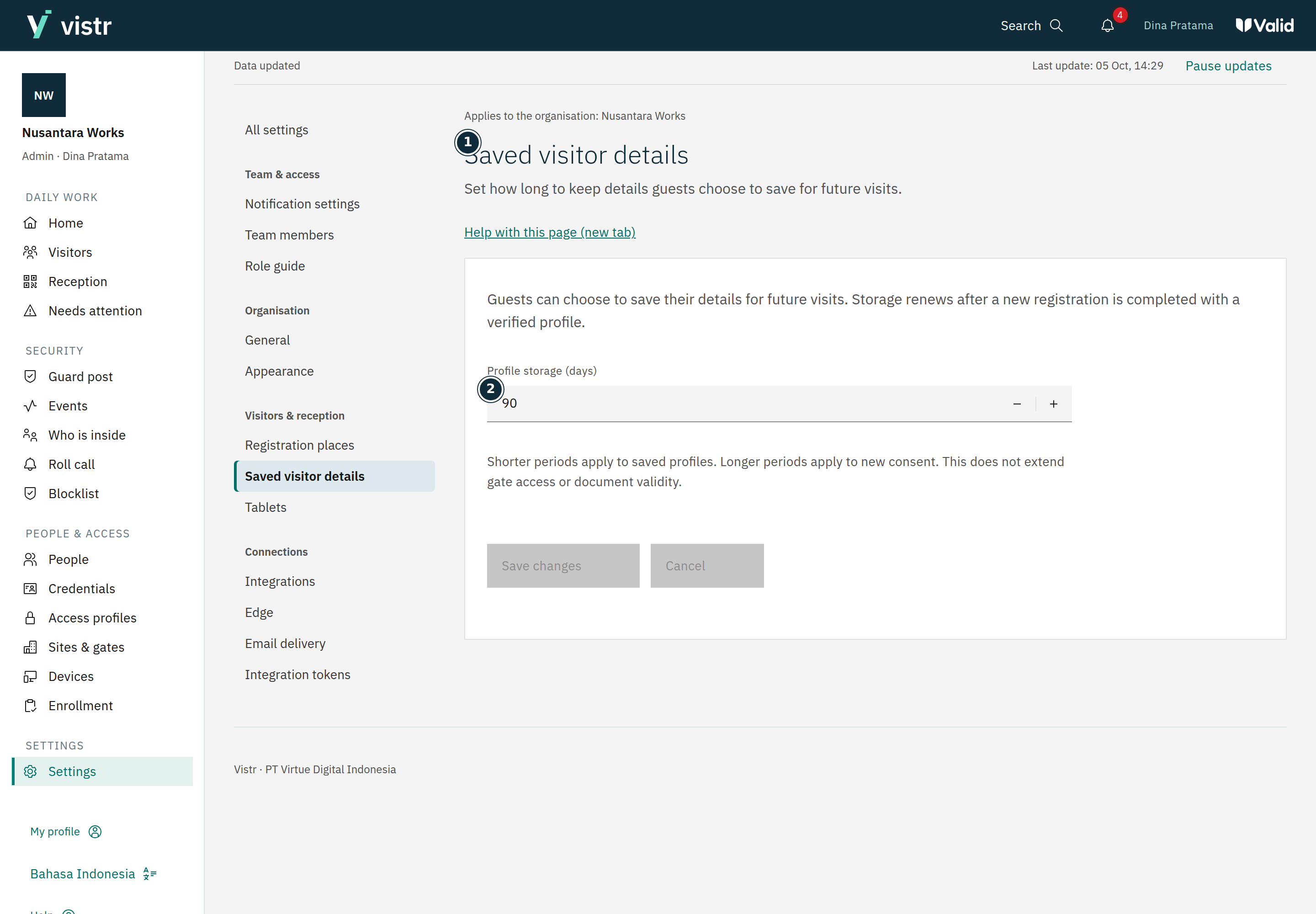
An Admin opens Settings, then Saved visitor details. Check the current rule.
 Enlarge image
Figure 1. This setting controls saved details, not entry permission. - Saved visitor details
- Profile storage (days)
Sample data · Admin · 2026-10-05 · 2880 × 2000 px
Set the storage period in days. The setting accepts 1 to 3650 days; the default is 90 days.
Read the change impact shown in the form, then save. Check that the guest notice matches the active rule.
 Enlarge image
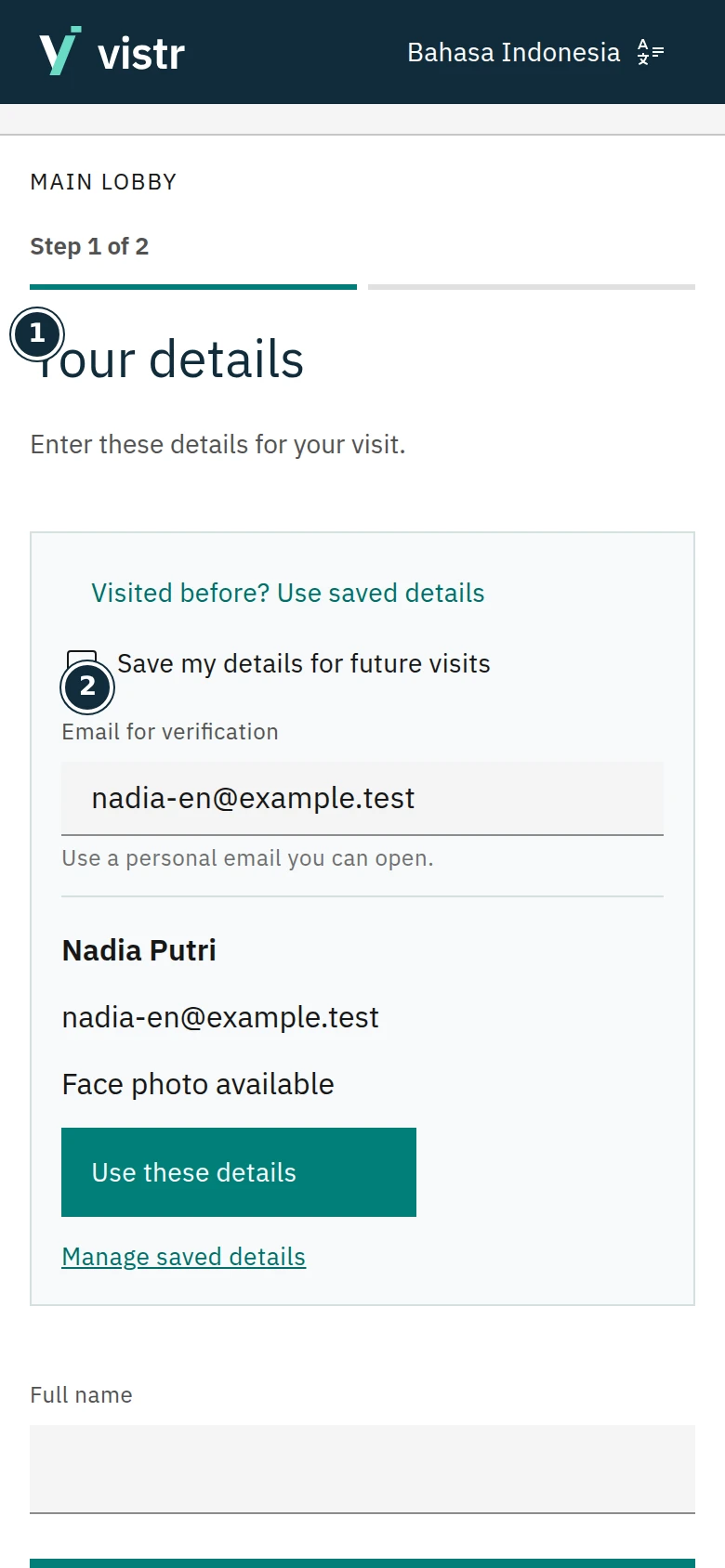
Figure 2. Details are reviewed again after the guest is verified. - Your details
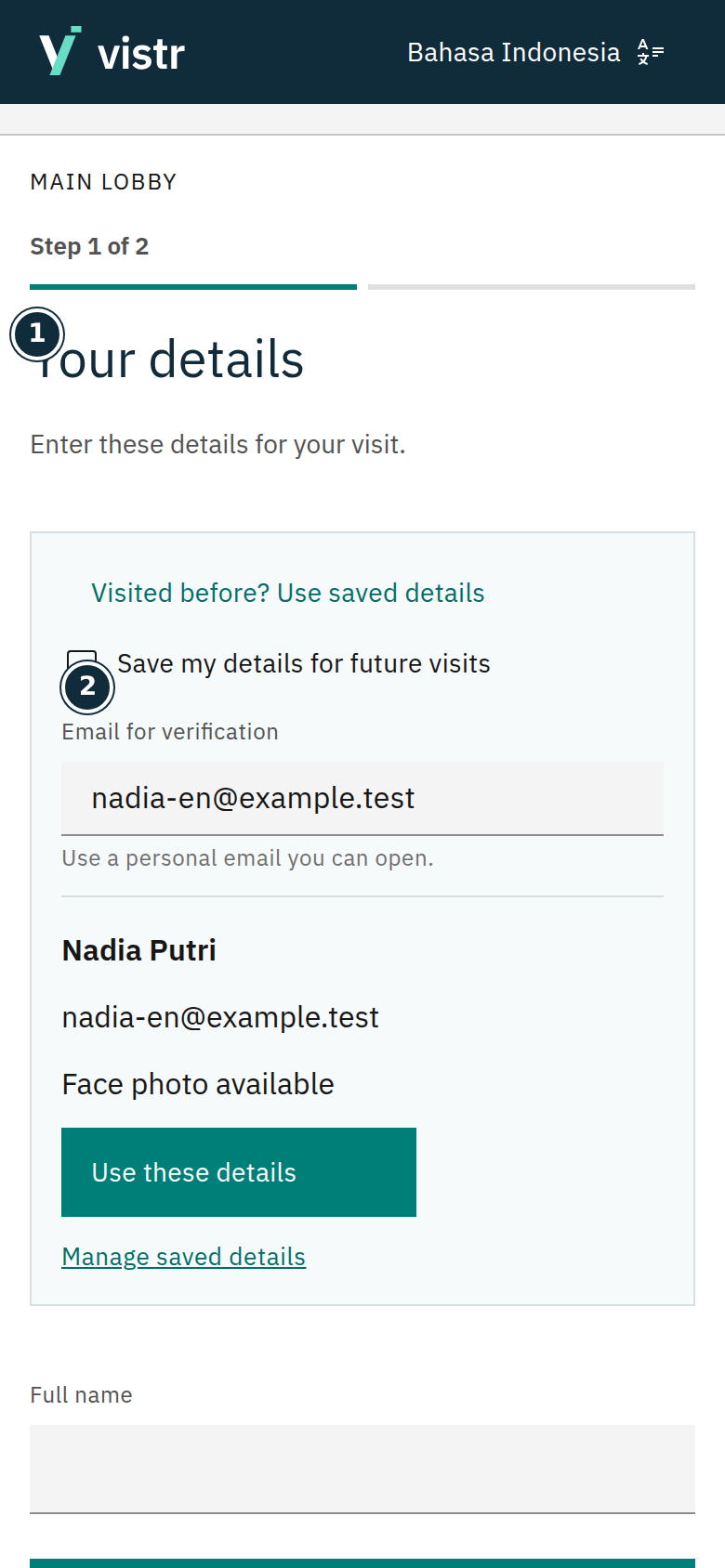
- Save my details for future visits
Sample data · Guest · 2026-10-05 · 780 × 1688 px
What to enter and why
| Field | When needed | Purpose | Example |
|---|---|---|---|
| Retention (days) | Required | Defaults to 90 days and is configurable; separate from gate access duration. | 90 |
| Consent to save | Optional | Guests choose storage to simplify their next visit. | Not selected automatically |
Expected result
A profile can be reused within the same organization after verification. Hosts do not gain access to the guest’s entire meeting history.
If something goes wrong
Guest assumes access lasts 90 days
Explain that 90 days is profile retention. Each visit still has its own schedule, approval, and access period.
The guest’s choice
Guests choose whether to save details. Storage is renewed when a verified profile is used to complete a new registration. Reusing details does not bypass photo consent or destination rules.
Separate time limits
Profile storage differs from access duration, QR validity, document retention, and notification retention. A stored profile does not extend access.