
User guide
Understand visit and access status
Registration, approval, and gate readiness are separate steps.
Your organization settings and account permissions determine which options are available.
All screens use fictional data. QR images and setup codes are examples and cannot be used to register.
Before you start
Open the status page from the same registration or invitation. Check the destination and schedule before interpreting access permission.
How the task works
Follow the main steps in order. Where a choice is shown, follow the branch that matches your situation.
- SystemRegistration received
- System / StaffVisit decision
- WaitingWait for review
- Not approvedContact staff; no entry approval
- SystemPrepare access for the schedule
- Visit has not startedCheck again at the visit time
- Gate not readyAsk reception for help
- SystemAccess ready
- Staff / Gate eventArrival recorded
Screen examples
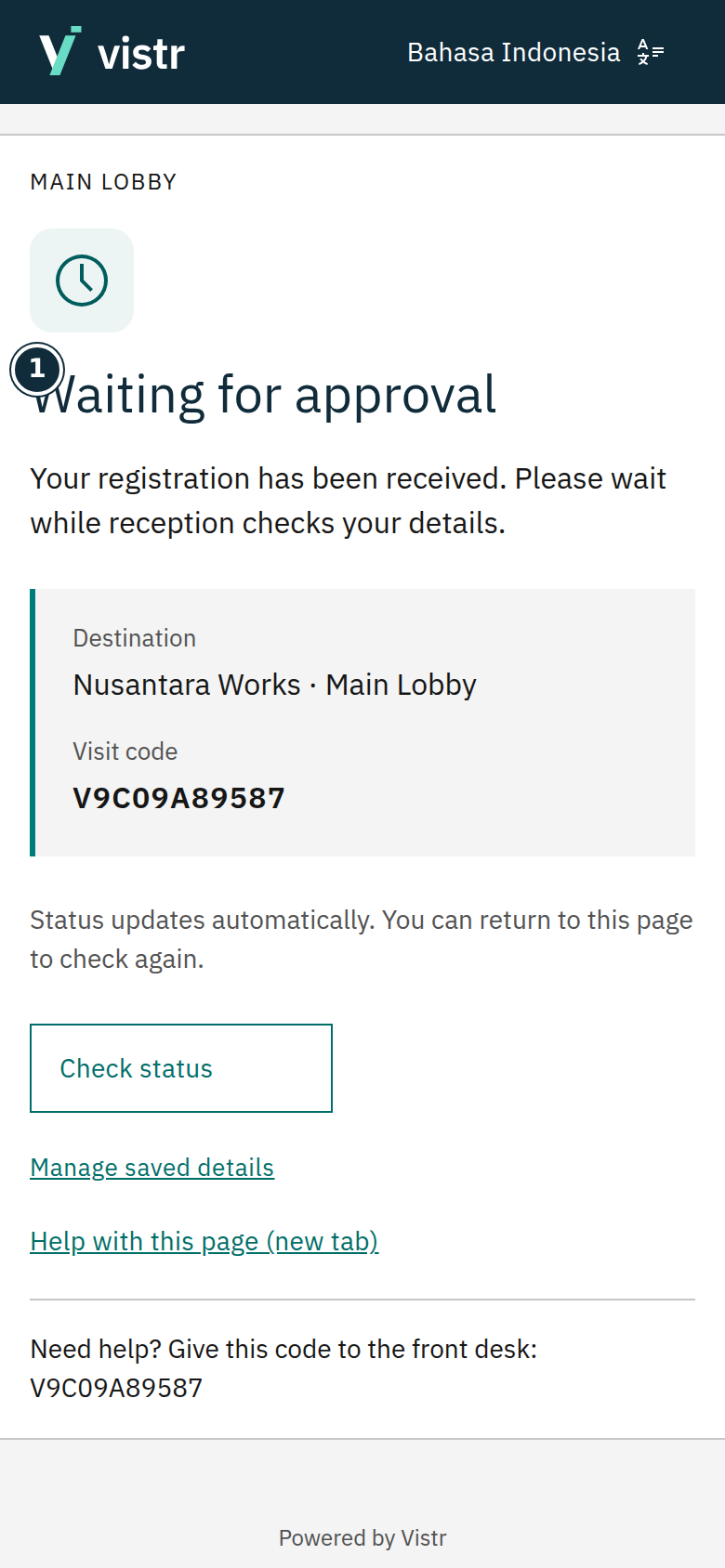 Enlarge image
- Waiting for approval
Sample data · Guest · 2026-10-05 · 780 × 1688 px
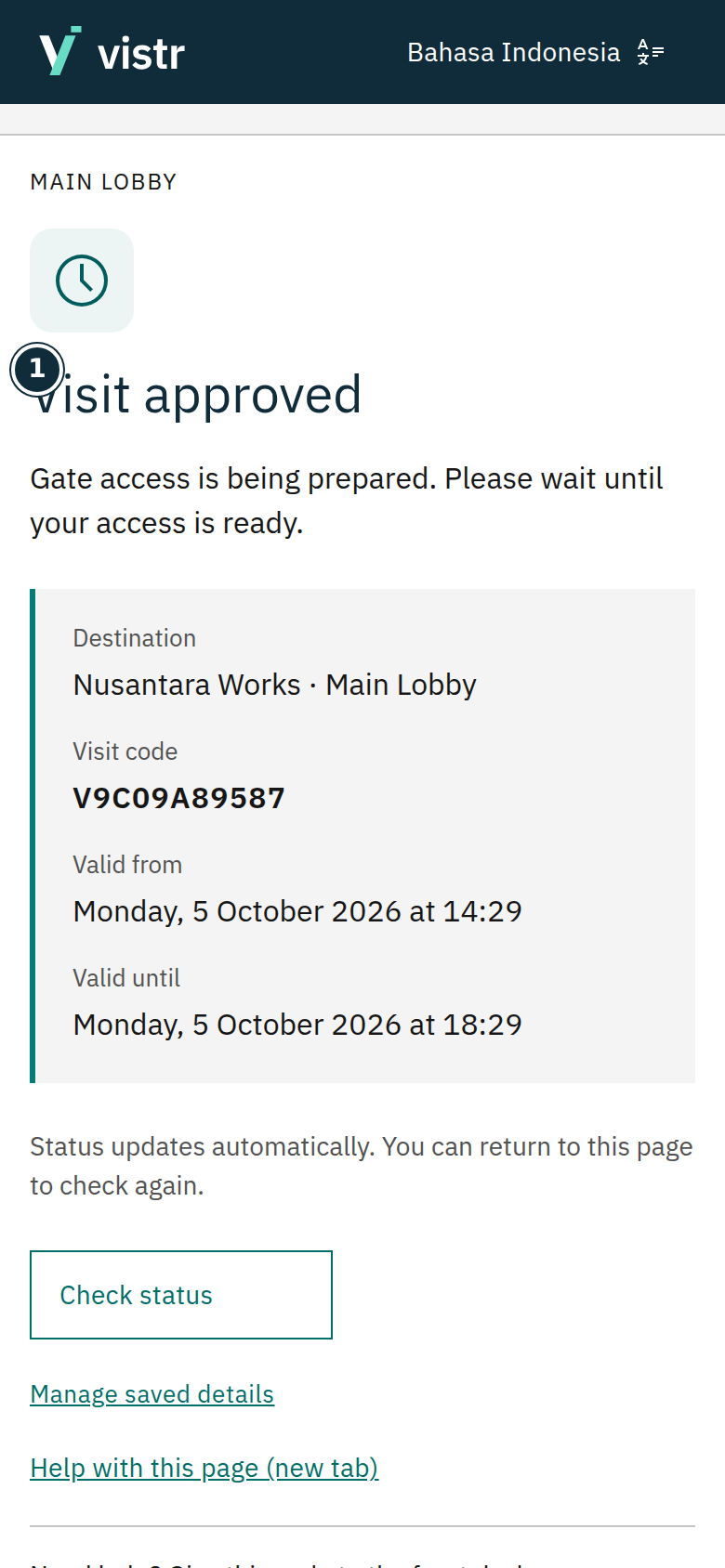 Enlarge image
- Visit approved
Sample data · Guest · 2026-10-05 · 780 × 1688 px
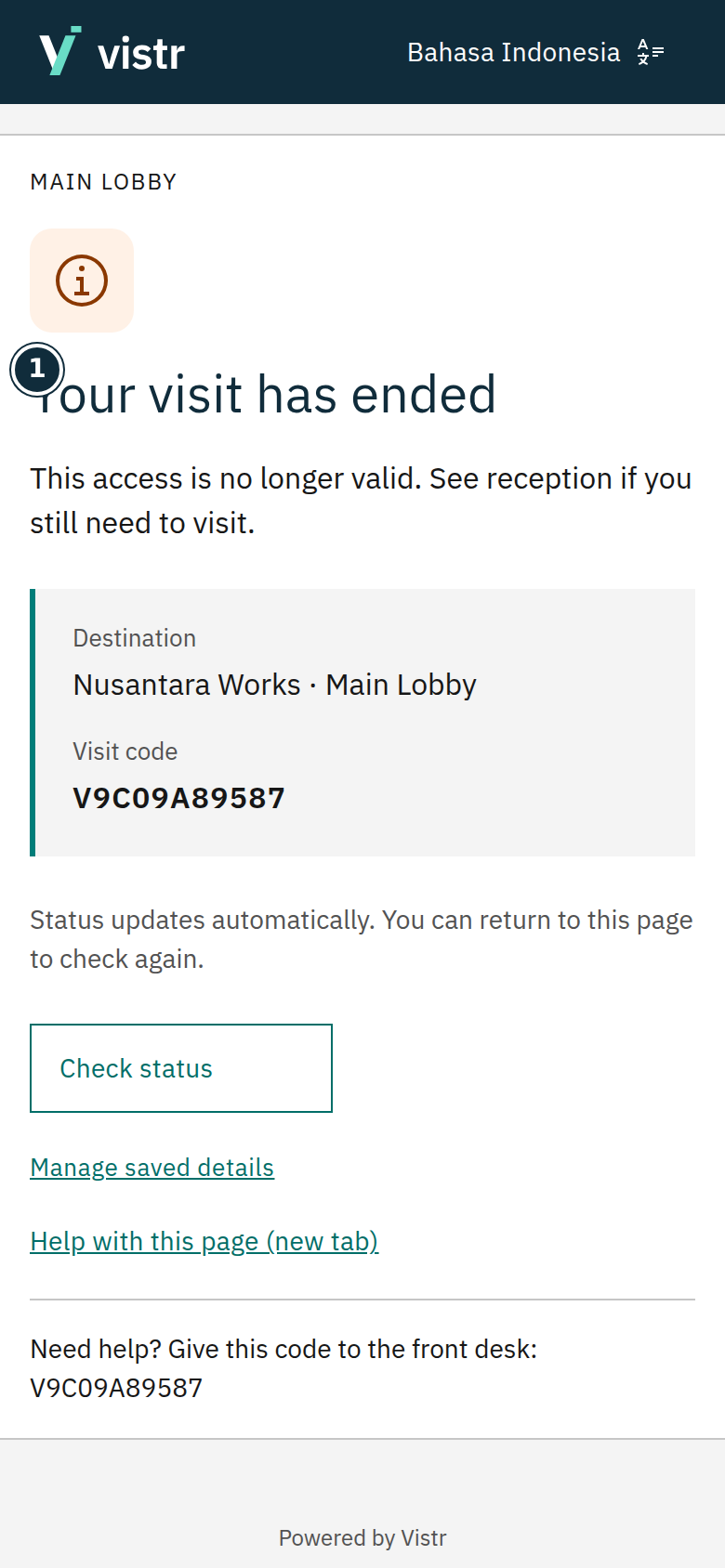 Enlarge image
- Your visit has ended
Sample data · Guest · 2026-10-05 · 780 × 1688 px
What to enter and why
| Field | When needed | Purpose | Example |
|---|---|---|---|
| Visit code | Shown on the status page | Helps staff find the visit; not standalone identity proof. | The code on your page |
| Valid from / until | When shown | Limits the visit permission window. | As scheduled |
Expected result
Approved, access ready, and arrival recorded mean different things. An ended or cancelled visit does not grant new access.
If something goes wrong
Approved but unable to pass
Read the text below the status. The gate may be preparing or the visit time may not have started. Do not register again; show your code to reception.
Registration sent
Details have been submitted. If staff review is required, wait for a decision on the status page. Creating another registration will not speed up approval.
Visit approved
The visit has been approved. If access is being prepared, access data is still being processed. Wait until the page shows access is ready.
Access ready
Follow the place instructions and validity period shown. The guest uses face access in this flow. Ready access is not a record that the guest has already entered.
Ended, cancelled, or failed
An ended or cancelled visit does not grant entry. If access preparation fails, contact staff. Staff should inspect the same visit before creating another registration.